
[ MEDICAL TRANSCRIPTION ]
Medical transcription software that leads to finished documentation.
Mcoy helps clinics go beyond raw transcription by turning encounters into structured drafts and reusable outputs that fit the rest of the documentation workflow.
Commercial Landing Page



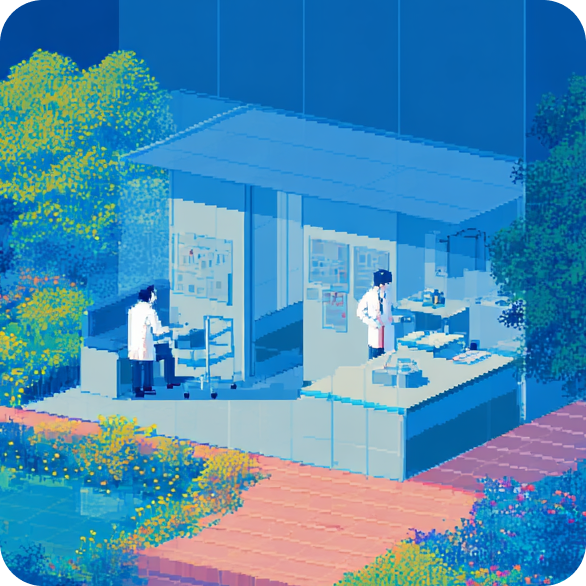
A transcript alone does not solve documentation pressure.
Teams still need structure, review control, and a practical way to transform encounter content into notes and follow-up outputs that are actually usable.
Raw transcripts still needing manual note construction
Missing clinic-specific structure across note types
Transcribed encounters not feeding the rest of the workflow

Dictate
Move from transcript to structured draft
01 Mcoy helps the clinic bridge the gap between recorded speech and clinically useful documentation so the team is not forced into a second drafting process.
Encounter transcription connected to note creation
Structured outputs for review
Less manual reshaping after transcription
Organize
Keep output aligned with the clinic's own note style
02 Templates are what make transcription software more practical for medical teams with different specialties, visit types, and documentation expectations.
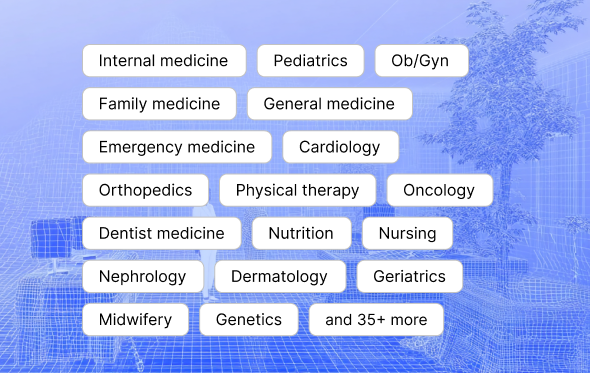
Reusable templates across the team
Better fit for specialty and follow-up notes
More consistent final documentation
Deliver
Use the encounter once and support multiple downstream tasks
03 When the source encounter is captured cleanly, the clinic can draft summaries, letters, and other follow-up outputs from that same material without duplicated effort.
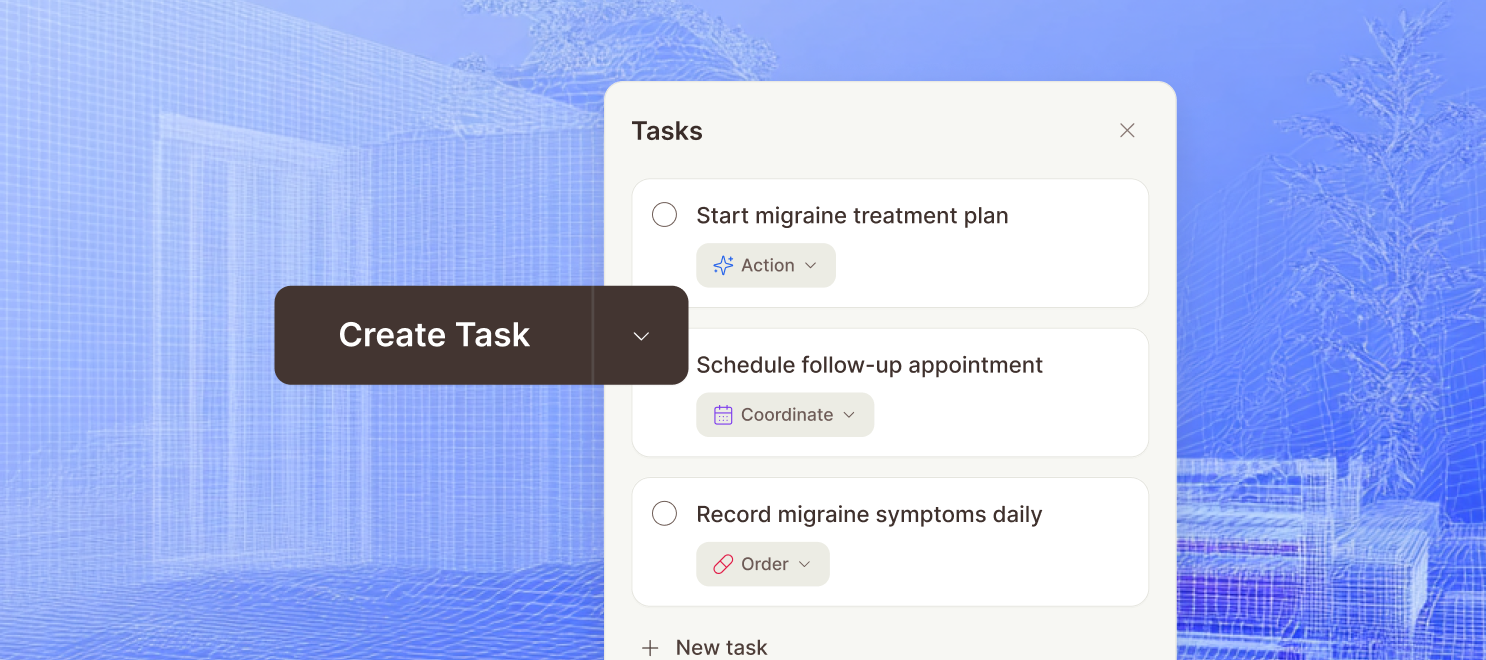
Patient summaries from the same source
Referral and admin outputs with less rewriting
Better operational continuity after the consult
[ CLINIC FIT ]
Built around the full clinic workflow.
Mcoy is positioned for clinics that need cleaner documentation systems, lighter admin load, and a setup path that feels practical for smaller teams.

Automate charting as you go
Turn the live consult into a structured draft so clinicians spend less time typing and less time rebuilding the visit afterward.
Keep documentation moving in busy clinics
Designed for the pace of smaller practices that need to move quickly between patients without stacking unfinished notes all day.
Use templates that match real practice
Build note structures for SOAP notes, follow-ups, referrals, and specialty visits instead of relying on one generic output.
Stay affordable for SMB teams
Mcoy is positioned for independent practices and growing clinics that need real time savings without enterprise-level overhead.
Encrypted patient data
Mcoy handles patient and clinic data with encrypted workflows so notes, transcripts, and supporting context stay protected throughout documentation.
Multi-factor authentication
Account security settings are structured to support MFA controls, giving clinics an extra layer of login protection beyond passwords alone.
Role-based permissions
Owner, admin, and member roles help clinics control who can manage seats, billing, team settings, and broader workspace access.
Controlled team access
Invites, membership checks, and workspace-level access rules help keep sensitive documentation visible only to the people involved in care operations.
[ FAQ ]
Questions buyers ask before they book a demo.
Who is medical transcription software best for?
This workflow is best for clinics that want to reduce manual note-writing, standardize documentation, and finish more charts before the day ends.
Do clinicians still review the note?
Yes. Mcoy drafts and structures the note, but clinician review and sign-off remain part of the workflow before anything is finalized.
Can this work without a heavy implementation project?
Yes. The product is positioned for smaller and growing teams that want to improve documentation without waiting on a long enterprise rollout.