
[ FOR DOCTORS ]
An AI scribe for doctors who need time back during the clinic day.
Mcoy helps doctors finish more documentation during clinic hours by turning the encounter into a structured draft and reusing that context for the rest of the workflow.
Commercial Landing Page



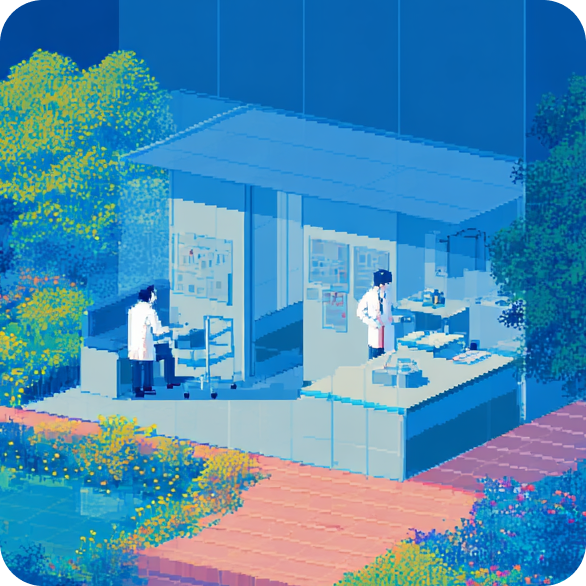
Doctors do not need another dashboard. They need fewer unfinished charts.
The strongest workflow change is one that reduces typing, lowers cognitive load between patients, and keeps the review step short and predictable.
Pajama-time charting stretching into evenings
Too much cognitive switching between care and typing
Follow-up letters adding another drafting task after the visit

Ambient Capture
Stay focused on the patient instead of the keyboard
01 Mcoy is designed to reduce the constant split between listening and documenting so the conversation can stay more natural during the visit.
Ambient capture during in-person consults
Faster transition from consult to reviewable draft
Less interruption during the patient encounter
Templates
Review faster because the first draft starts in the right shape
02 The product gives clinicians a structured starting point rather than a raw transcript or a blank note, which is what shortens review time in practice.
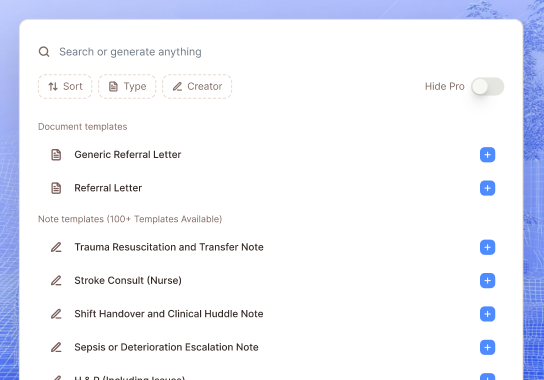
SOAP and specialty-oriented note structures
Less cleanup from generic formatting
A clearer sign-off workflow for busy doctors
Follow-Up
Carry the encounter into the admin tasks doctors usually inherit
03 Patient summaries, referrals, and follow-up instructions can be drafted from the same encounter context instead of becoming separate writing jobs later.
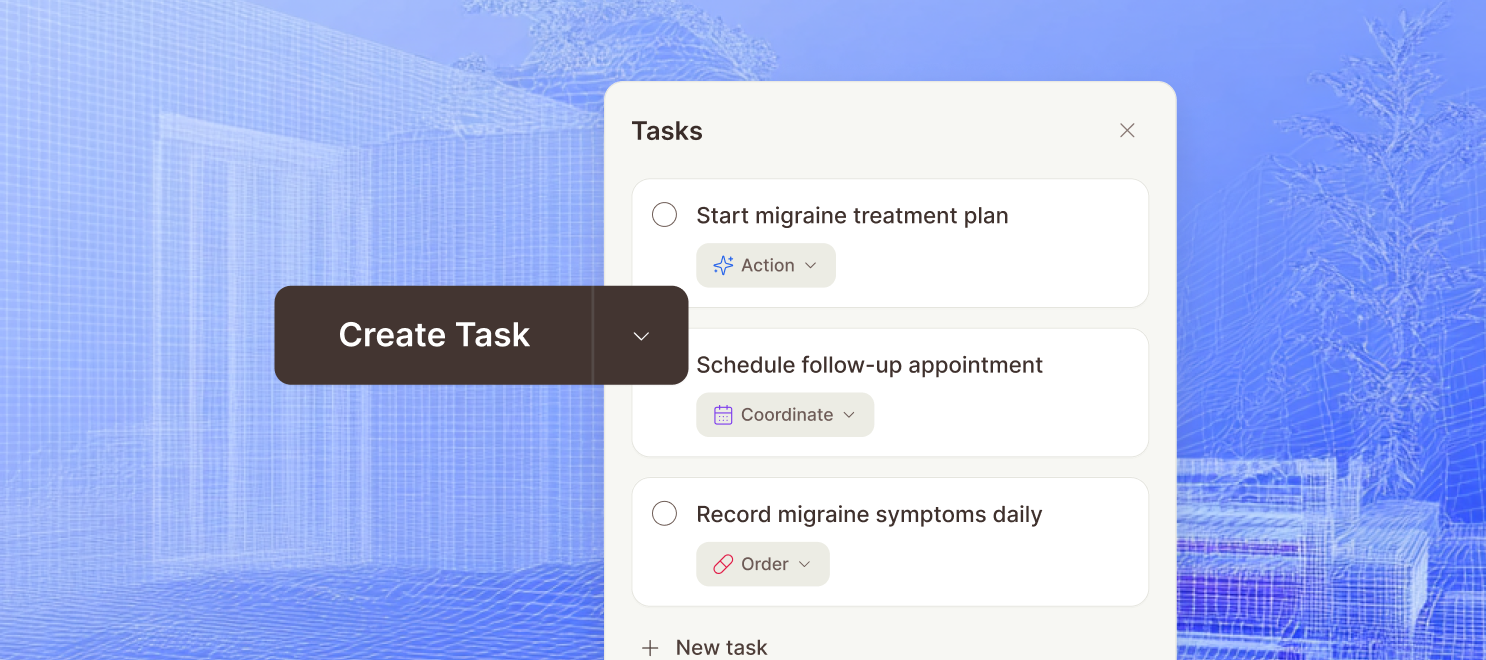
Referral letters from the same visit source
Patient instructions drafted faster
More complete continuity between consult and follow-up work
[ CLINIC FIT ]
Built around the full clinic workflow.
Mcoy is positioned for clinics that need cleaner documentation systems, lighter admin load, and a setup path that feels practical for smaller teams.

Automate charting as you go
Turn the live consult into a structured draft so clinicians spend less time typing and less time rebuilding the visit afterward.
Keep documentation moving in busy clinics
Designed for the pace of smaller practices that need to move quickly between patients without stacking unfinished notes all day.
Use templates that match real practice
Build note structures for SOAP notes, follow-ups, referrals, and specialty visits instead of relying on one generic output.
Stay affordable for SMB teams
Mcoy is positioned for independent practices and growing clinics that need real time savings without enterprise-level overhead.
Encrypted patient data
Mcoy handles patient and clinic data with encrypted workflows so notes, transcripts, and supporting context stay protected throughout documentation.
Multi-factor authentication
Account security settings are structured to support MFA controls, giving clinics an extra layer of login protection beyond passwords alone.
Role-based permissions
Owner, admin, and member roles help clinics control who can manage seats, billing, team settings, and broader workspace access.
Controlled team access
Invites, membership checks, and workspace-level access rules help keep sensitive documentation visible only to the people involved in care operations.
[ FAQ ]
Questions buyers ask before they book a demo.
Who is an AI scribe for doctors best for?
This workflow is best for clinics that want to reduce manual note-writing, standardize documentation, and finish more charts before the day ends.
Do clinicians still review the note?
Yes. Mcoy drafts and structures the note, but clinician review and sign-off remain part of the workflow before anything is finalized.
Can this work without a heavy implementation project?
Yes. The product is positioned for smaller and growing teams that want to improve documentation without waiting on a long enterprise rollout.