
[ COMPARISON ]
Looking for a Heidi AI alternative for your clinic?
Mcoy is positioned for teams that want a practical documentation workflow built around structured notes, reusable templates, and follow-up outputs from the same encounter.
Buyer Comparison Page




Alternative pages should help buyers compare workflow fit, not chase brand drama.
If your team is evaluating Heidi AI, the useful questions are about note review time, template flexibility, operational follow-through, and how easily the product fits your clinic day.
Need a clearer path from consult to final note
Want stronger template control across visit types
Need follow-up documents from the same encounter source

Workflow Fit
Compare the full documentation workflow, not just the capture step
01 The right alternative should help your clinic move from live encounter to reviewable note and then into downstream outputs without adding more tools or cleanup work.
Measure draft quality, not just capture quality
Check whether the workflow supports letters and summaries too
Compare how much editing clinicians still need to do
Template Control
Look closely at template control
02 If your clinic documents across multiple visit types or specialties, template flexibility matters because it directly affects note consistency and review speed.
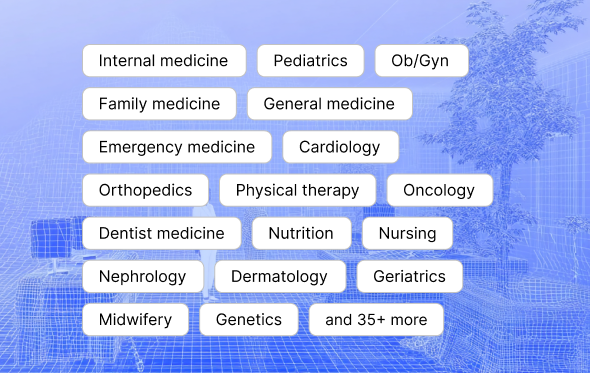
Use templates for SOAP, follow-ups, and specialty notes
Create shared standards across the team
Reduce generic note output and cleanup work
Operational Depth
Choose an alternative that helps the clinic operate after the note
03 Many teams discover the real value is not only in drafting notes faster, but in using the same encounter context for referrals, patient instructions, and follow-up tasks.
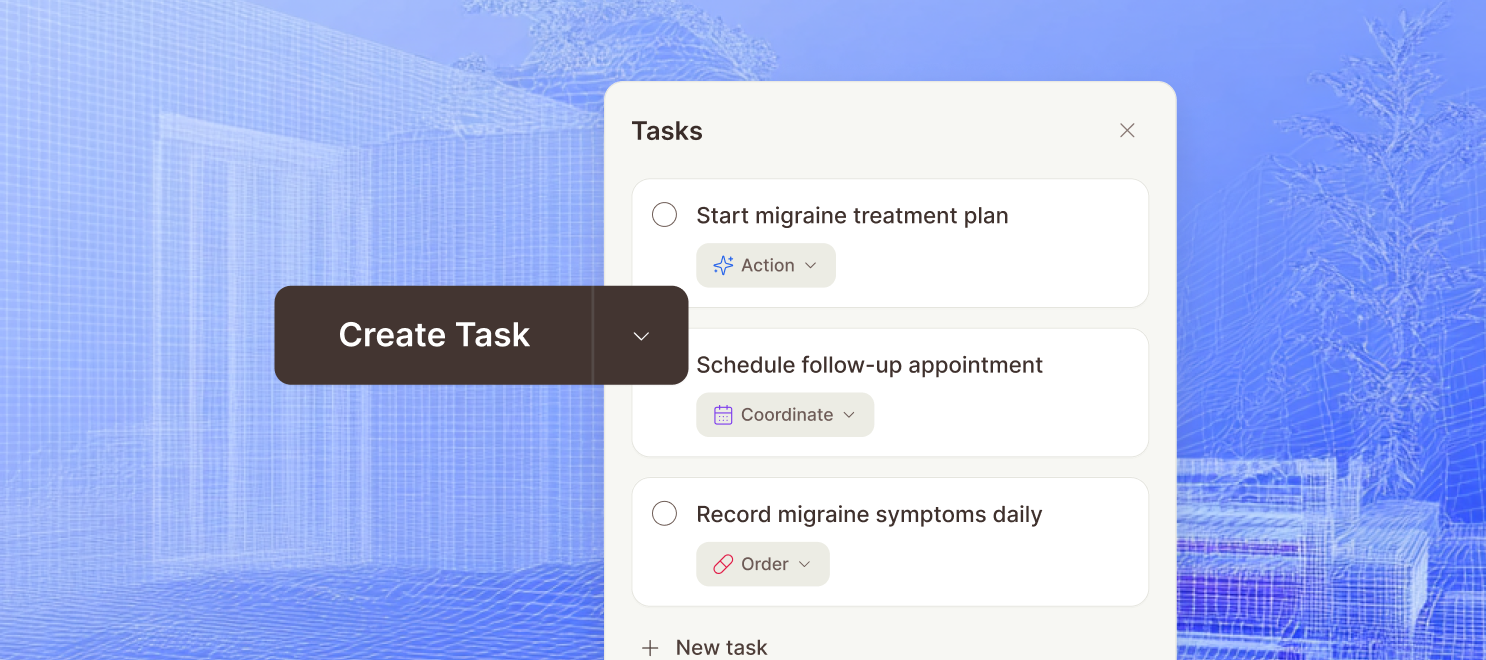
Draft more than one output from the same encounter
Keep staff workflows connected to documentation
Reduce repeated re-entry of information downstream
[ CLINIC FIT ]
Compare more than capture quality.
Use workflow fit, review speed, template control, and operational follow-through as the lens for evaluation. That is where real clinic value shows up.

Ambient Scribe
Listen during the consult and draft a note in the background with sections that match your workflow.
Flexible Templates
Build note styles for different specialties and keep the final output aligned with how your team already documents.
Follow-Up Messaging
Turn completed visits into outreach, instructions, and next-step reminders without starting from scratch.
Clinical Search
Ask questions against the active encounter, transcript, and structured context without losing the original source trail.
Encrypted patient data
Mcoy handles patient and clinic data with encrypted workflows so notes, transcripts, and supporting context stay protected throughout documentation.
Multi-factor authentication
Account security settings are structured to support MFA controls, giving clinics an extra layer of login protection beyond passwords alone.
Role-based permissions
Owner, admin, and member roles help clinics control who can manage seats, billing, team settings, and broader workspace access.
Controlled team access
Invites, membership checks, and workspace-level access rules help keep sensitive documentation visible only to the people involved in care operations.
[ FAQ ]
Questions buyers ask before they book a demo.
What should clinics compare when evaluating Heidi AI alternatives?
Focus on workflow fit, clinician review time, template control, follow-up outputs, and how easily the system can be adopted across the team.
Why publish a Heidi AI alternative page instead of a generic blog post?
Branded comparison searches usually come from buyers who are already evaluating tools. A focused page is better aligned to that intent than a broad educational article.
What is the safest way to trial an alternative?
Run a short pilot with a small set of visit types, review note quality daily, and compare completion time, edit rate, and follow-up throughput before expanding rollout.